



Key Takeaways
- Selenium 4 is W3C-native, with Docker-ready Grid, relative locators, and CDP network access.
- Automation pays off first on cross-browser regression and post-update sanity runs.
- Cloud grids plus parallel execution turn overnight suites into coffee-break suites.
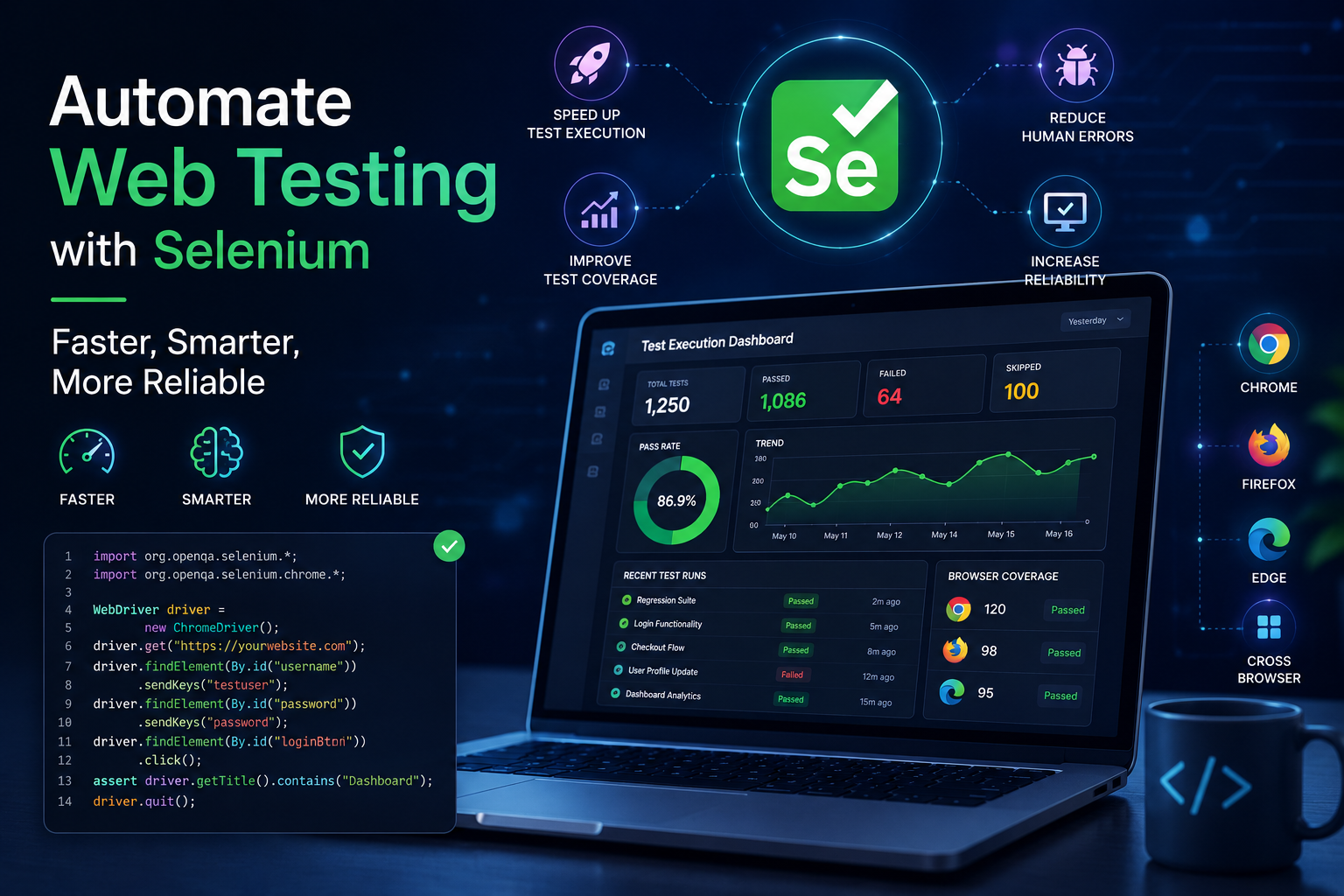
Testing web applications manually is time-consuming and prone to error. Selenium Automation streamlines the process, here's what's new in Selenium 4, when to use it, and where it's heading.
Upgrading to Selenium 4: What's New?
- Protocol: Selenium 4 speaks the W3C standard protocol natively; Selenium 3 used the JSON Wire Protocol.
- ChromeDriver class: Now extends ChromiumDriver, replacing the extended Remote WebDriver approach.
- Selenium Grid: Enhanced GUI and Docker support, Selenium 3 had no Docker support.
- Selenium IDE: Improved GUI with cloud-grid support, no longer just a Firefox add-on.
Relative Locators in Practice
Selenium 4's relative locators let you find elements the way a human describes them, 'the field below the label', which survives markup churn better than brittle XPath:
import static org.openqa.selenium.support.locators.RelativeLocator.with;

WebElement emailLabel = driver.findElement(By.id("email-label"));

// the input directly below the label, no XPath gymnastics
WebElement emailInput = driver.findElement(
 with(By.tagName("input")).below(emailLabel));

emailInput.sendKeys("qa@qatechxperts.com");
The New Grid: a Whole Farm in One File
Selenium Grid 4 is container-native. A hub plus scalable Chrome and Firefox nodes is one docker-compose file, this alone retires racks of hand-maintained VMs:
services:
 selenium-hub:
 image: selenium/hub:4
 ports: ["4442:4442", "4443:4443", "4444:4444"]

 chrome:
 image: selenium/node-chrome:4
 shm_size: 2gb
 depends_on: [selenium-hub]
 environment:
 - SE_EVENT_BUS_HOST=selenium-hub
 - SE_NODE_MAX_SESSIONS=4

 firefox:
 image: selenium/node-firefox:4
 shm_size: 2gb
 depends_on: [selenium-hub]
 environment:
 - SE_EVENT_BUS_HOST=selenium-hub
Network Insight With Chrome DevTools Protocol
Selenium 4 exposes CDP, so a UI test can finally see the network layer, catching the failed API call behind a blank screen instead of reporting 'element not found':
DevTools devTools = ((ChromeDriver) driver).getDevTools();
devTools.createSession();
devTools.send(Network.enable(Optional.empty(), Optional.empty(), Optional.empty()));

devTools.addListener(Network.responseReceived(), response -> {
 int status = response.getResponse().getStatus();
 if (status >= 400) {
 System.out.println("API failure behind the UI: "
 + status + " " + response.getResponse().getUrl());
 }
});
When Selenium Automation Pays Off
- Ensuring cross-browser compatibility.
- Running regression Testing on every release.
- Performing sanity tests after updates.
Why Teams Choose Selenium
- Open source: Free and highly customizable.
- Multi-browser: One script runs across all major browsers.
- Multi-OS: Windows, Mac, Linux, and UNIX.
- Parallel execution: Run tests simultaneously to save time.
- CI/CD integration: Slots straight into your build pipeline.
Where Selenium Is Heading
- AI and machine learning: Predicting test scenarios and adapting to app changes.
- Cloud-based Testing: BrowserStack and Sauce Labs enable parallel runs across browsers and devices.
- Improved debugging: Better reporting tools resolve issues faster.
What Selenium 4 Changes Day to Day
The headline features translate into small daily wins. W3C-native means the driver quirks that made identical scripts behave differently per browser largely disappear, one protocol, standardized. The new window and tab APIs (newWindow) finally make multi-window flows first-class instead of handle-juggling. Relative locators reduce brittle XPath in form-heavy UIs. And Grid's ground-up rewrite means the infrastructure that used to require a specialist now runs from a single Docker Compose file, which changes who on your team can own it.
A Starter Framework Structure
Selenium gives you a driver, not a framework, the structure around it decides whether the suite survives. The minimum viable skeleton we set up:
- Page objects with intent-named methods (loginAs, addToCart), locators live here and nowhere else.
- A single waits utility wrapping WebDriverWait, no raw sleeps anywhere, enforced in code review.
- Test-data builders that create what each test needs via API or SQL, never shared fixtures.
- Environment config injected per run (local, CI, staging), the suite never hardcodes a URL.
- TestNG/JUnit listeners for screenshots-on-failure and retry analysis, wired from day one.
The Mistakes That Sink Selenium Suites
- Thread.sleep as a strategy, the number-one source of both slow suites and flaky ones, usually simultaneously.
- XPath tied to layout: //div[3]/span breaks on the next redesign; test IDs and relative locators don't.
- One giant BaseTest doing everything, login, data, navigation, so every failure starts in the same haystack.
- Ignoring parallel design until 'later': tests that share state serialize forever; isolation is a day-one decision.
- Treating the grid as someone else's problem, suite speed is architecture, and architecture is yours.
FAQ: Is Selenium still relevant now that Playwright exists?
Commercially, more than ever: the majority of existing enterprise suites run Selenium, its language breadth is unmatched, and Selenium 4 modernized the foundations. New greenfield suites often choose Playwright, but 'maintain and stabilize the Selenium estate' is one of the most in-demand skills in QA, and the concepts transfer both ways.
FAQ: Self-hosted Grid or a cloud provider?
Self-hosted Grid (Docker/Kubernetes) wins on cost at steady, high volume and keeps data in your network. Cloud grids (BrowserStack, Sauce Labs) win on browser/OS breadth, real mobile devices, and zero maintenance. The common right answer is both: self-hosted for the high-volume Chrome/Firefox regression, cloud for the compatibility matrix and real devices.
How QA Tech Xperts Can Help
We specialize in Selenium Testing with customized, scalable solutions, from cross-browser coverage to CI/CD integration.
- Tailored frameworks: Data-driven, keyword-driven, and hybrid.
- Dedicated QA teams embedded in your sprints.
- Cross-browser and cross-platform compatibility, proven at scale.
Conclusion: Make the Switch to Automated Testing
Transitioning to Selenium Automation significantly improves Testing efficiency and reliability. With AI-assisted Testing and cloud-based grids maturing fast, reach out to QA Tech Xperts to see how Selenium can elevate your Testing strategy.
Want us to run this on your product?
A free 30-minute assessment. We'll tell you what's working, what's costing you time, and where to start. Findings delivered within days.
Get a Free QA Assessment