



Key Takeaways
- You can't cover the full matrix, rank it by audience share and failure likelihood from your own analytics.
- Playback bugs cluster in predictable seams: DRM renewal on resume, bitrate switching, captions, SSAI boundaries, deep links.
- Automate the smoke on every build; keep trained human eyes for lip-sync, HDR tone, and seek feel.
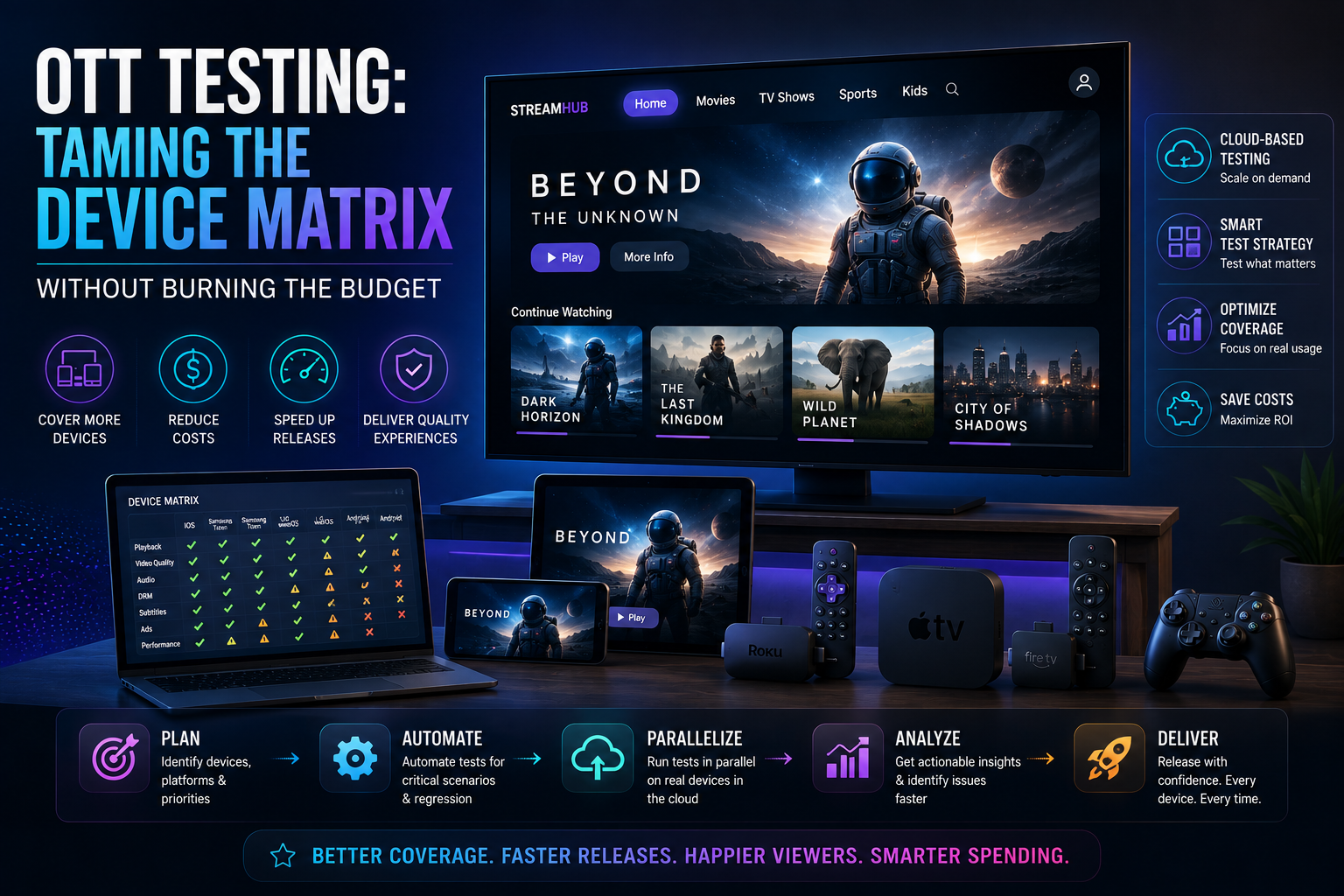
OTT quality is decided by a matrix you can't fully cover: platforms × OS versions × DRM stacks × network conditions. The answer isn't more devices, it's ranking the matrix by audience share and failure likelihood, then Testing depth where it matters.
Rank by audience × risk, not by availability
- Pull real device-share numbers from your analytics, not industry averages
- Weight platforms with custom playback stacks (Tizen, WebOS) higher than well-behaved ones
- Cover one old-OS device per platform: legacy players break first
The failures worth hunting
Cross-device playback bugs cluster in predictable places: DRM license renewal on resume, bitrate-ladder switching on unstable networks, caption rendering, ad-insertion boundaries (SSAI), and deep-link entry into playback. Build targeted test charters for each instead of generic 'play a video' passes.
Entitlements: the money layer nobody demos
Playback Testing gets the attention; entitlement Testing protects the revenue. The matrix here is subscriptions × devices × states: free preview, active, expired, downgraded mid-cycle, billing-retry grace period, each must resolve to exactly the right content access on every platform, because entitlement caching differs per device. The bugs are expensive in both directions: blocking a paying subscriber is a support ticket and a churn risk; unblocking an expired one at scale is a rights-holder conversation nobody wants. Test the transitions, not just the states, expiry while a stream is playing is the classic miss.
Startup time and the rebuffer budget
Streaming has two performance numbers users feel viscerally: time-to-first-frame and rebuffer ratio. Set explicit budgets per platform tier, under 3 seconds to first frame on Tier-1 devices, rebuffer under 0.5% of watch time, and measure them in every release cycle under throttled-network profiles, not just lab wifi. The competitive reality: research consistently shows viewers abandon streams in seconds when startup drags, and they don't file bug reports on the way out. Your QA suite is the only place this number gets negotiated before users vote with the back button.
A worked example: ranking a real matrix
Here's the shape of the exercise with illustrative numbers. Pull twelve months of playback sessions by platform from your analytics, then weight each platform by how exotic its playback stack is. The tier assignments fall out almost automatically:
| Platform | Audience share | Stack risk | Coverage tier |
|---|---|---|---|
| Samsung Tizen TV | 24% | High (custom stack) | Tier 1: full pass every release |
| Fire TV | 19% | Medium | Tier 1: full pass every release |
| iOS / Android mobile | 22% | Low–medium | Tier 2: smoke + rotating deep pass |
| Roku | 12% | Medium (BrightScript) | Tier 2: smoke + rotating deep pass |
| LG WebOS | 9% | High | Tier 2 + old-OS unit |
| Web (desktop) | 8% | Low | Tier 3: automated smoke only |
| Apple TV | 4% | Low | Tier 3: automated smoke only |
| Consoles + others | 2% | High, tiny audience | Quarterly exploratory only |
The five failure clusters, in detail
- DRM license renewal on resume: play, pause overnight, resume, expired Widevine/FairPlay licenses must renew invisibly. The bug ships constantly because nobody waits eight hours in a demo.
- Bitrate-ladder switching: throttle mid-stream and recover, watch for oscillation between renditions, stuck low-res after recovery, and audio/video desync at switch points.
- Caption rendering: position, encoding, and styling differ per platform, especially 608/708 versus WebVTT handling on TV stacks; test with real broadcast-style caption files, not samples.
- SSAI ad boundaries: the seams where server-side ads splice in, assert clean transitions, correct content resume, and that seeking across an ad boundary doesn't strand the player.
- Deep-link entry: launching playback from a platform's search or home row, cold-start deep links skip your app's normal init path and break in ways in-app navigation never shows.
Automate the smoke, human the judgment
Automated playback smoke on every build, app launches, stream starts, DRM licenses, captions toggle, across the top matrix rows; trained human eyes for artifacts Automation can't judge: lip-sync, HDR tone, seek smoothness. Our team ran exactly this split for years while Testing major streaming platforms.
What a release-week OTT smoke actually contains
Per Tier-1 device, automated on every build: app cold start under 5 seconds; stream start under 3; DRM license acquired; play 60 seconds without stall; pause/resume; seek forward and back across an ad boundary; captions on/off; audio track switch; backgrounding and return. Roughly twelve minutes per device, and it catches the embarrassing 80% of playback regressions before a human ever looks.
FAQ: What tooling exists for TV-platform Automation?
Thinner than web, which is why strategy matters more here. Practical stacks: Appium-style drivers for Fire TV and Android TV, Roku's ECP for scripted control, platform simulators for WebOS/Tizen smoke, plus device-cloud services for real hardware. The honest answer for the judgment layer, lip-sync, HDR tone, seek feel, is still trained human eyes on physical devices, and our OTT Testing practice is built around exactly that split.
Live events: a different discipline entirely
VOD failures lose a session; live-event failures trend on social media. Live adds constraints regular OTT Testing never faces: no second take, audience spikes measured in multiples not percentages, ad breaks stitched in real time, and DVR windows interacting with DRM in ways VOD never exercises. The playbook shifts accordingly, load-test the entitlement and manifest services at projected concurrency before the event, rehearse the failure modes (encoder failover, CDN switch, ad-break under-delivery) in a full dress run, and staff the event with Engineers watching player telemetry live, because for those three hours, monitoring IS the test suite.
Want us to run this on your product?
A free 30-minute assessment. We'll tell you what's working, what's costing you time, and where to start. Findings delivered within days.
Get a Free QA Assessment